Pixel phones have gone from “no wallpaper on AOD” to an optional blurred wallpaper look. It first showed up in Android 16 QPR1 betas and now ships on select Pixel 10 models. Here’s how Ambient Display (aka wallpaper on the always-on display) works, how to turn it on, and what to expect for battery and which phones work.
Ambient Display wallpapers let a faint, blurred version of your lock screen wallpaper show behind the clock and notification icons while Always-on display is active. It’s optional, can be toggled off to save power, and (as of 2025-12-15) is officially limited to Pixel 10 Pro and Pixel 10 Pro XL.
Key takeaways
- Android 16 brought a refreshed look (including more blur). It keeps changing through quarterly platform releases (QPRs).
- Wallpaper on the always-on display started as a hidden/experimental feature in Android 16 QPR1 betas.
- As of 2025-12-15, Google’s official “Show lock screen wallpaper” toggle is available on Pixel 10 Pro and Pixel 10 Pro XL.
- If you’re battery-conscious, keep the wallpaper toggle off—your always-on display will revert to the traditional black background.
Pixel 10 and Android 16: what’s on the horizon (and what’s already here)
Android 16 is no longer just “around the corner” — Google has already released it, and Pixels get more updates through QPR-based Feature Drops. On the hardware side, the Pixel 10 series debuted at Google’s Made by Google 2025 event, with the Pixel 10 Pro Fold arriving later than the other models.
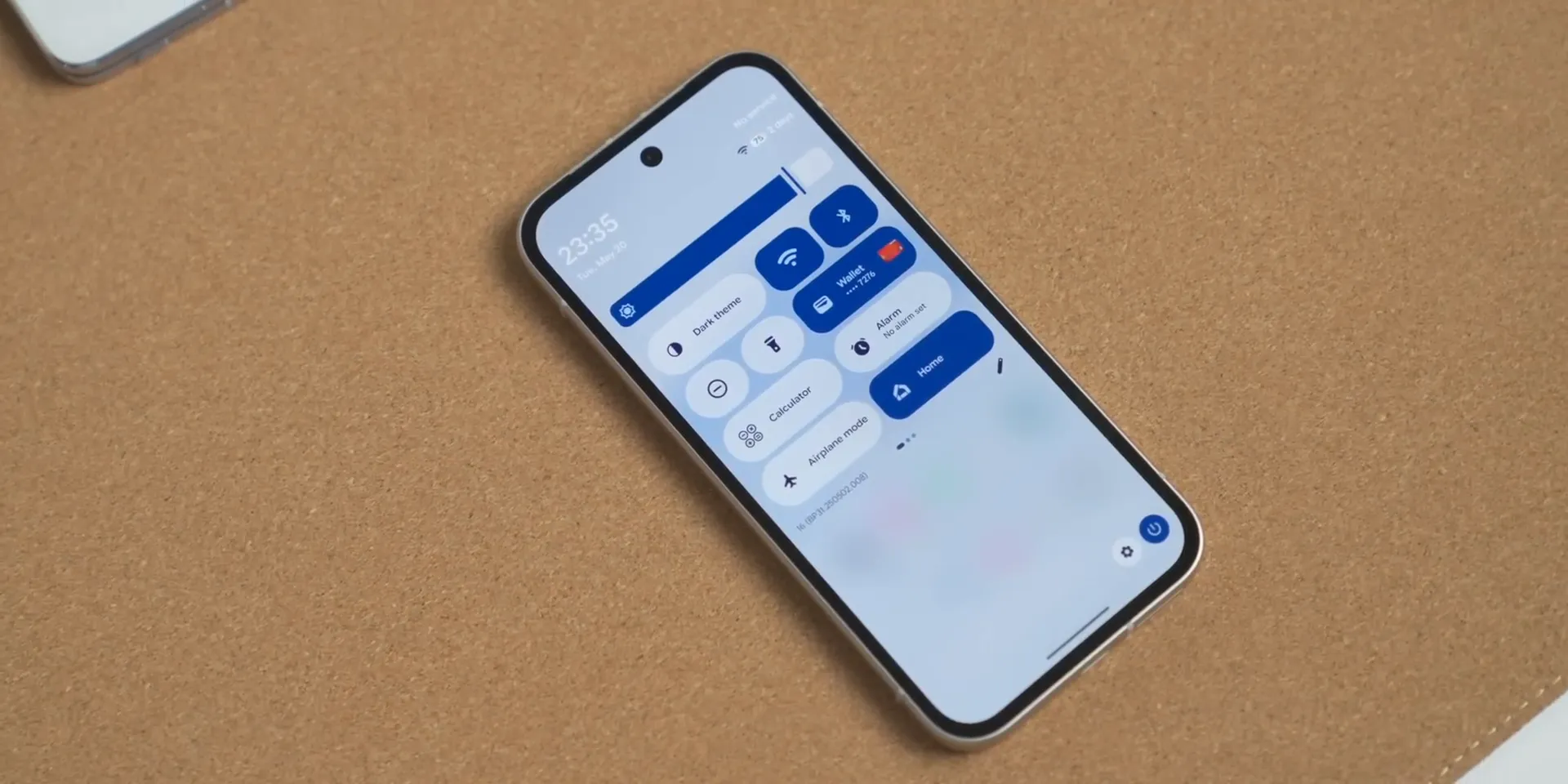
Ambient Display: always-on display gets a wallpaper upgrade
For years, Pixel’s always-on display (AOD) focused on glanceable info — time, date, status icons, and notifications — on a mostly black screen. Android 16 QPR betas revealed that Google was experimenting with a new approach that keeps your lock screen wallpaper visible in a blurred, dimmed form when the phone is idle.
You may see the term “Ambient Display” or “Ambient AOD,” but the end result is the same: a soft wallpaper backdrop that makes your lock screen feel more personal without sacrificing readability.
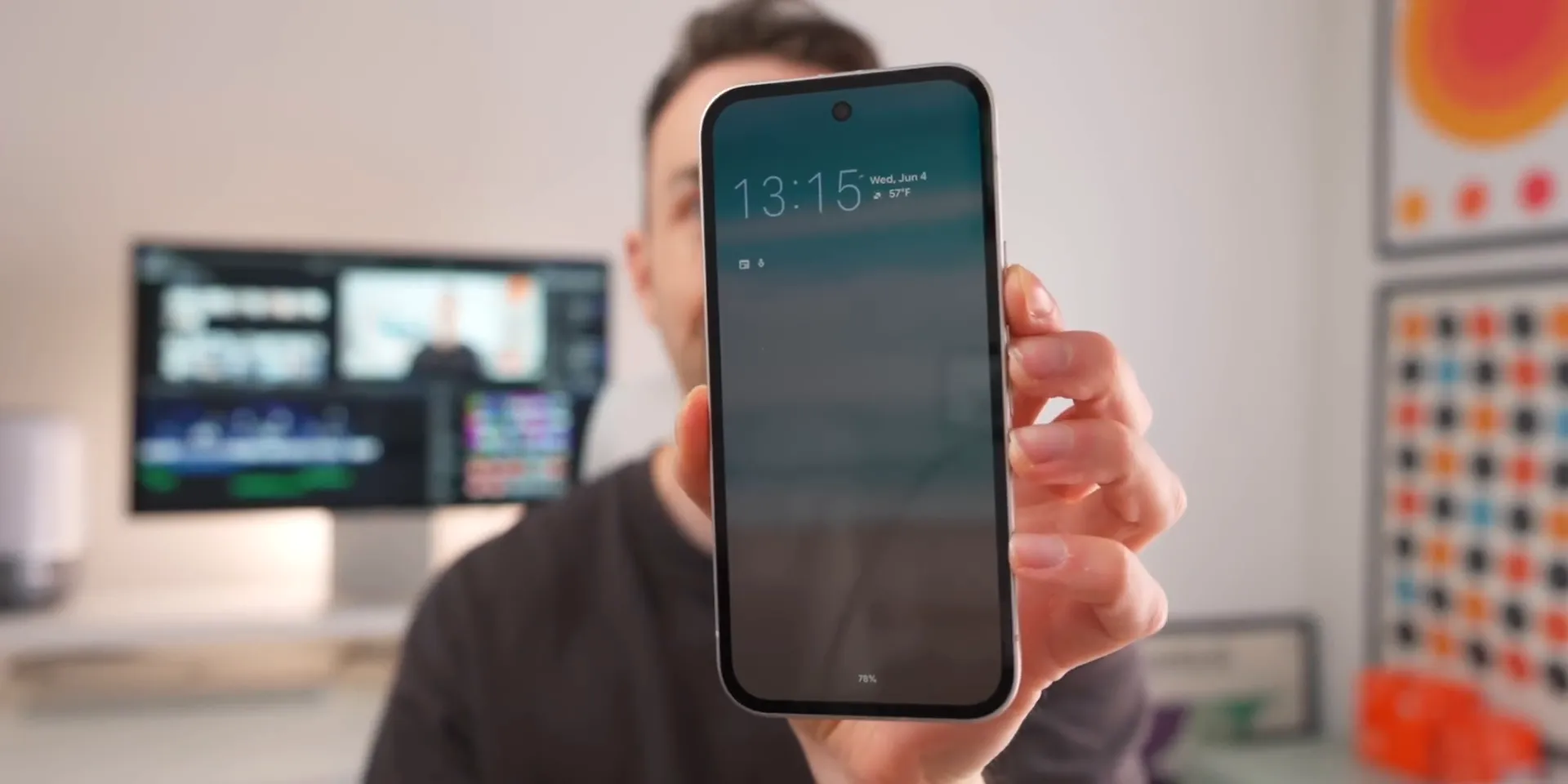
How the Ambient Display wallpaper works
When enabled, your lock screen wallpaper remains visible in the background, but Android applies a blur and dims it heavily. The clock and notification icons sit on top so they stay legible.
- No notifications: the clock stays easy to see.
- With notifications: icons appear over the wallpaper and the layout shifts to make room, while still keeping the time readable.
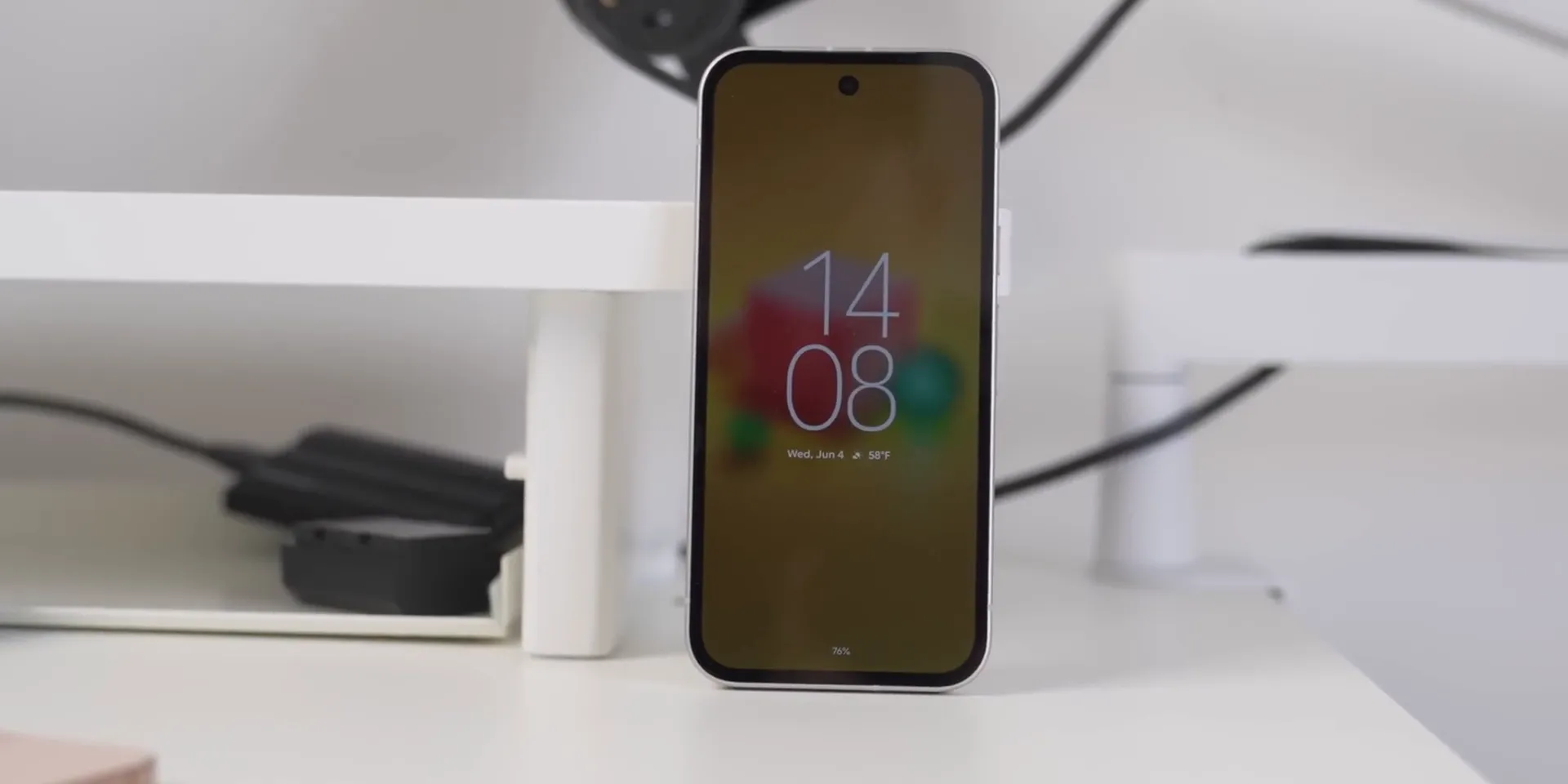
In early beta builds, the feature could be buggy (like flicker or brief flashes). If you notice that kind of behavior, turning the wallpaper toggle off is the quickest workaround.
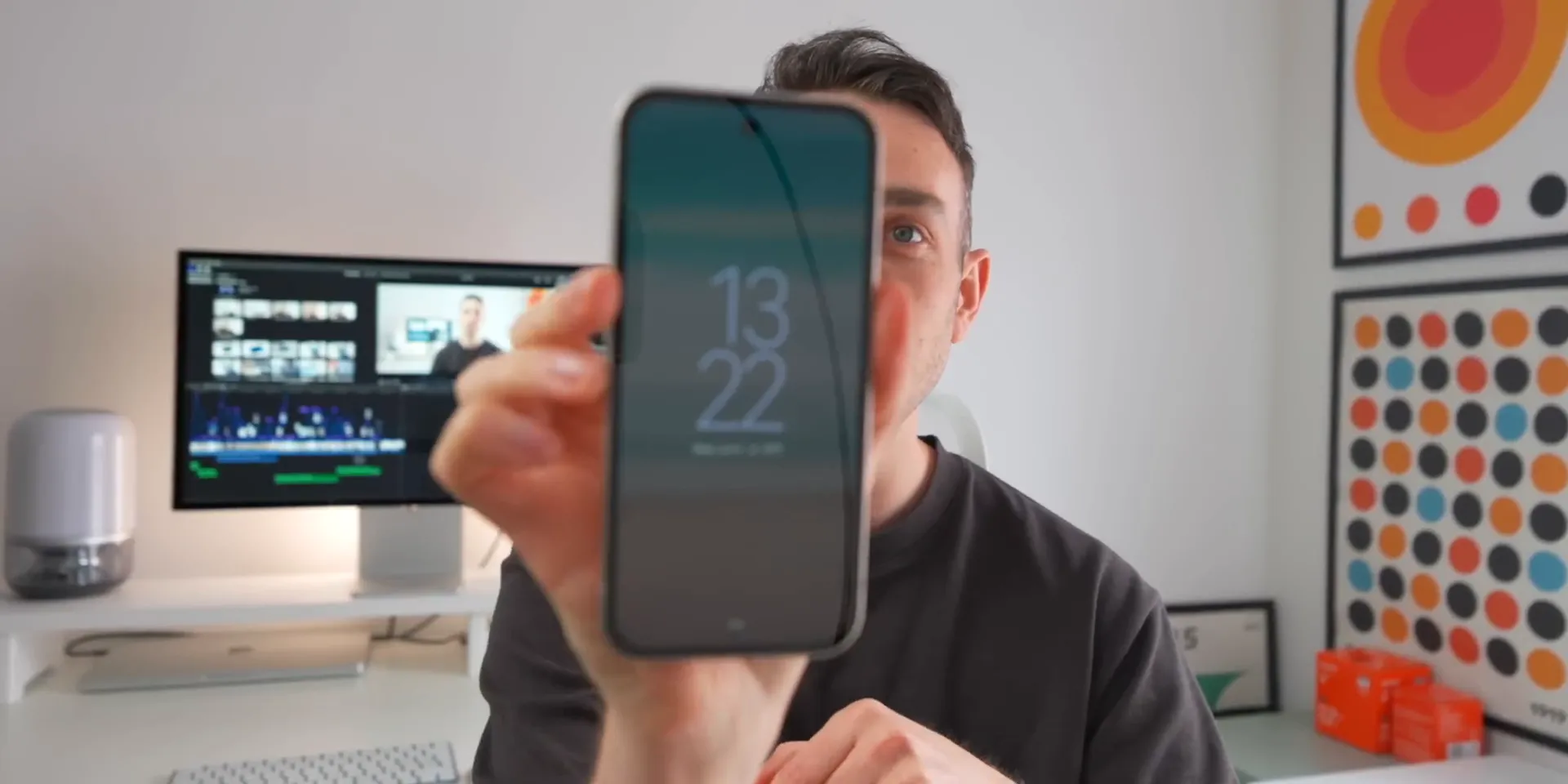
Customization and battery considerations
Showing any image on an always-on display can cost more power than a pure black screen. That’s why Google treats the wallpaper as optional, not required.
If you want the classic AOD experience (and the best chance at longer standby time), leave the wallpaper option off. If you care more about a personal look, turn it on and see how it fits your daily use.
Will Ambient Display wallpaper be a Pixel 10 exclusive?
Right now, the official answer is “mostly, yes.” Google’s help page lists the “Show lock screen wallpaper” option as available only on Pixel 10 Pro and Pixel 10 Pro XL.
That doesn’t mean other Pixels will never get it. But as of 2025-12-15, the feature is still limited to those two models.
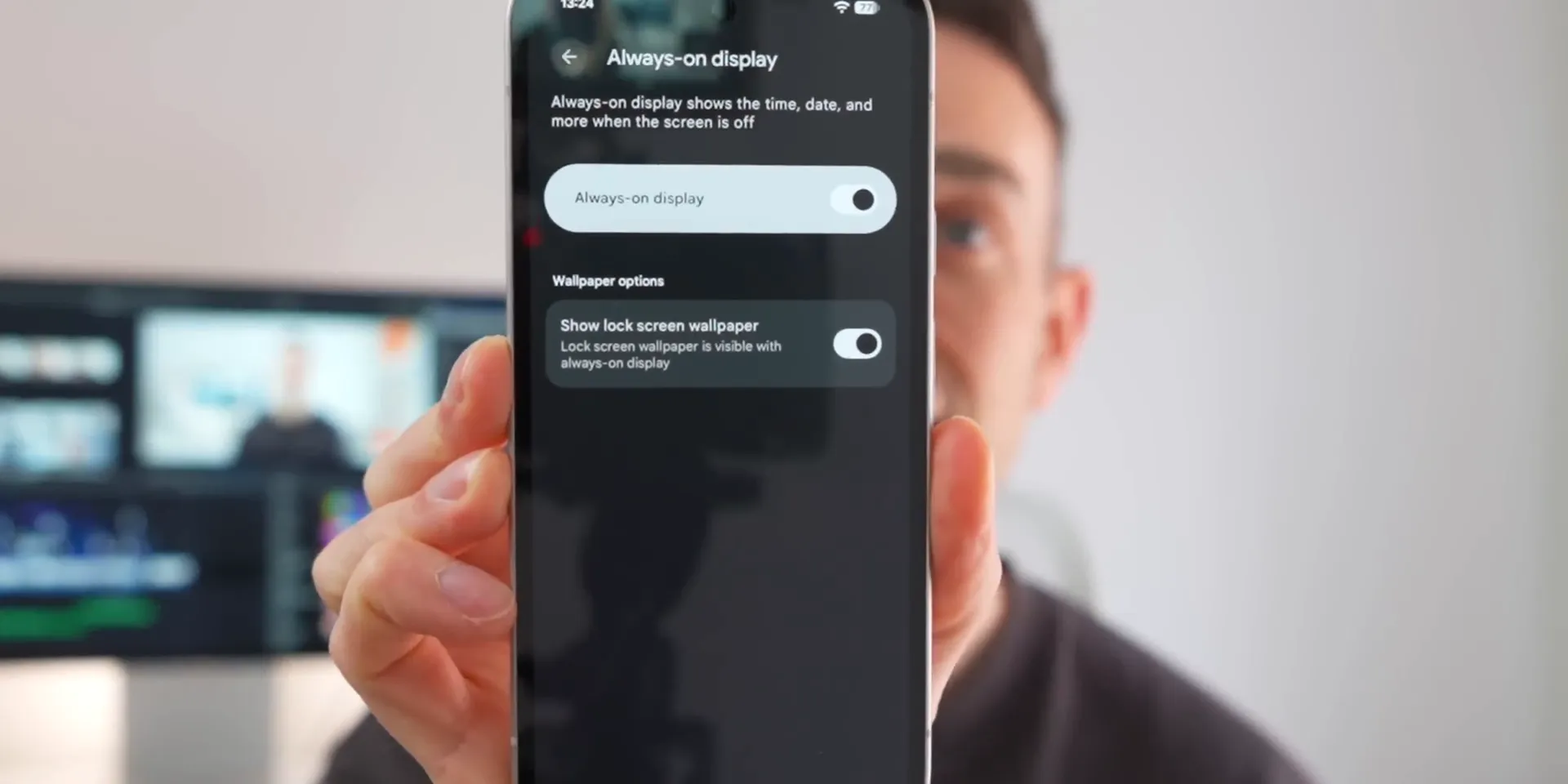
How to turn it on (Pixel 10 Pro / Pixel 10 Pro XL)
- Open Settings.
- Tap Display & touch.
- Tap Always-on display.
- Turn on Show lock screen wallpaper.
If you don’t see the toggle, your phone model (or your software build) likely doesn’t support it yet.
Google’s help guide on showing your lock screen wallpaper on Always-on display also walks through the same steps.
Final thoughts: why Ambient Display wallpapers matter
This is a small change that makes Pixels feel more modern. AOD wallpaper support makes the lock screen nicer to look at. It’s more than a clock and a row of icons.
If you own a Pixel 10 Pro or 10 Pro XL, it’s worth trying — and if you’re on an older Pixel, keep an eye on future Android 16 QPR Feature Drops for any expansion in support.
FAQs
What are Ambient Display wallpapers on Pixel?
They let a blurred, dim version of your lock screen wallpaper show behind the clock and notification icons while Always-on display is active.
Which Pixel phones officially support the lock screen wallpaper on Always-on display?
As of 2025-12-15, Google lists the feature as available only on Pixel 10 Pro and Pixel 10 Pro XL.
Does enabling an AOD wallpaper use more battery?
It can. The wallpaper adds more pixels and work than a black AOD, so expect some extra standby drain. If battery life matters more, keep the wallpaper toggle off.
How do I enable the AOD wallpaper on a supported Pixel?
Go to Settings > Display & touch > Always-on display, then turn on “Show lock screen wallpaper.”
Will older Pixels get Ambient Display wallpapers later?
Maybe. The feature showed up in Android 16 QPR betas, but Google hasn’t announced broader support. Future Feature Drops could expand which phones work, but there’s no confirmed timeline.







Leave a Reply