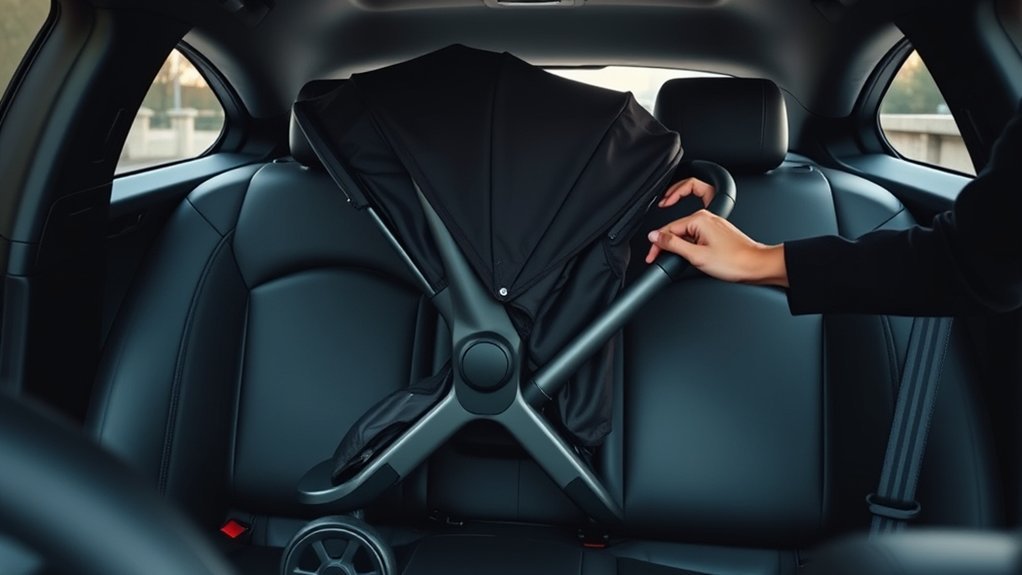
Using a stroller in an Uber can be simple if you plan ahead. Choose an UberXL for more space, and make sure to notify the driver about your stroller before booking. A lightweight, foldable stroller makes loading easier. When you get in, place it safely in the trunk or back seat so it doesn’t block the driver’s view. Don’t forget snacks and essentials for your little one. And if you need more handy tips, just keep going!
Choosing the Right Uber Option for Your Stroller
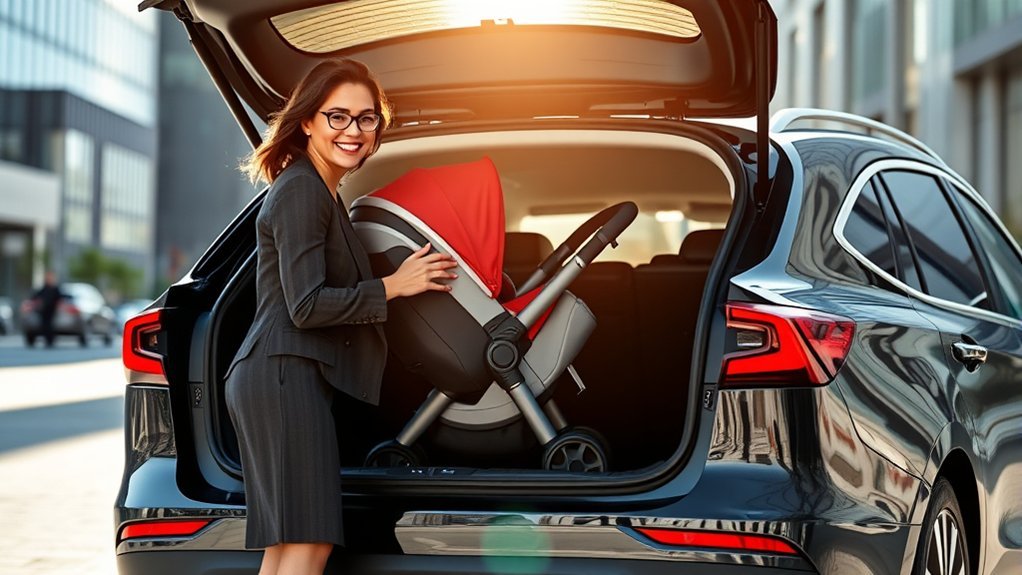
When you’re planning a trip with your stroller in an Uber, it’s essential to choose the right option to make your journey smoother. I’ve found that selecting the UberXL option works wonders, especially if you’re dealing with larger stroller types. This choice gives you ample space for both passengers and your gear, making life so much easier.
Opt for a lightweight, foldable stroller to simplify loading and unloading. Trust me, it saves time!
Also, remember to check the vehicle’s trunk space before your ride to guarantee everything fits comfortably. Don’t forget to plan for some extra time to fold and secure your stroller, especially if you’re traveling with kids.
It’s all about making your adventure as stress-free as possible!
Communicating With Your Driver About Your Stroller
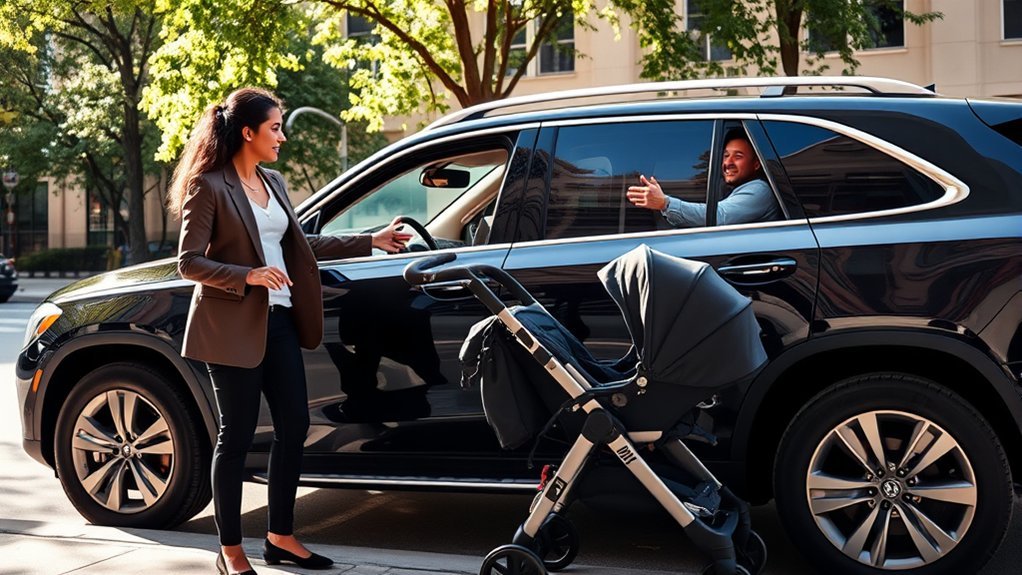
How can you make sure your Uber ride goes smoothly with a stroller? Communication is key! Here’s how to keep your driver in the loop:
- Notify Your Driver: Before booking, message or call to let them know you’re bringing a stroller. This helps them understand any driver preferences and prepare for the space needed.
- Confirm Stroller Dimensions: Check the size and weight of your stroller. Some cars have limited trunk space, so knowing this upfront can save you both time.
- Be Clear on Placement: When your driver arrives, explain where you want to place the stroller. Whether it’s the back seat or trunk, this can make loading easier.
A little communication goes a long way in creating a smooth ride!
Tips for Selecting a Lightweight, Foldable Stroller
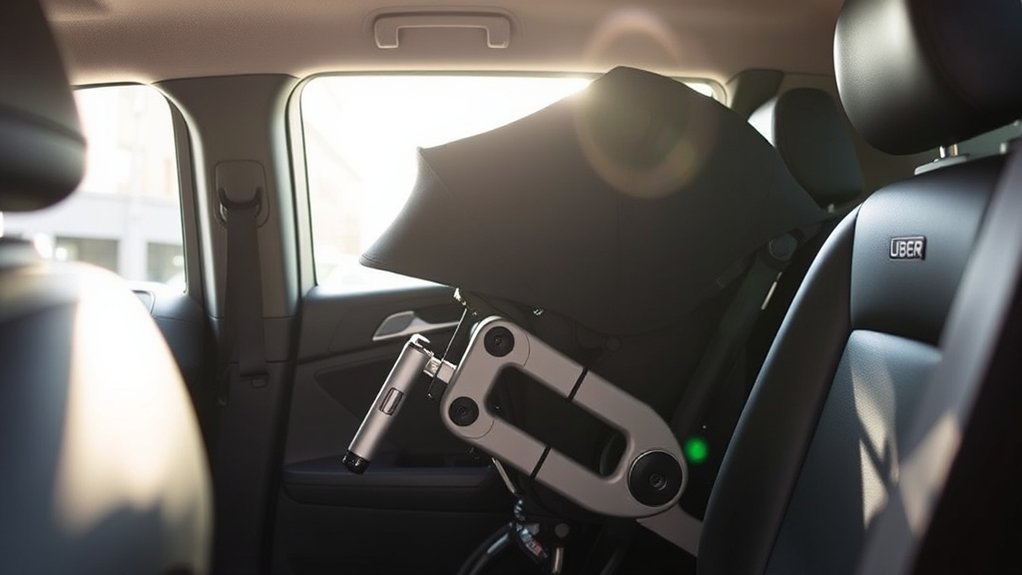
Choosing the right lightweight, foldable stroller can make your rideshare experience a breeze, especially when you’re juggling a little one and all their gear.
Look for a model that weighs under 15 pounds—trust me, your arms will thank you during those busy days. A compact fold with a one-hand mechanism is a game changer for quick storage in Uber vehicles.
Stroller features like a carrying strap or handle are essential for maneuvering crowded areas without hassle. Don’t forget about your child’s comfort; a large canopy and a reclining seat can make all the difference.
Finally, verify your stroller fits easily in the trunk of standard sedans to maximize your travel convenience.
Happy strolling!
Safely Securing Your Stroller in the Vehicle
When you’re ready to secure your stroller in an Uber, it’s all about making sure you’ve got the right type and know how to install it properly.
A lightweight, foldable stroller makes fitting it in so much easier, and practicing how to fold it can save you a lot of hassle.
Just remember to place it safely in the trunk or back seat without blocking the driver’s view, and you’ll be good to go!
Stroller Type Considerations
Selecting the right stroller for your Uber ride can make all the difference in guaranteeing a smooth journey. Here are some key considerations to keep in mind:
- Stroller Weight: Choose a lightweight stroller that won’t weigh you down while maneuvering through tight spaces or when loading it into the car.
- Stroller Dimensions: Make certain your stroller fits comfortably in the Uber’s trunk or backseat. Before hopping in, check the dimensions to avoid surprises.
- Folding and Unfolding: Practice folding your stroller at home. A quick, smooth process during your ride can save you time and hassle.
Communicating with your driver about your stroller size can also help guarantee a safe and secure ride for both you and your little one!
Proper Installation Techniques
Now that you’ve got the right stroller for your Uber ride, let’s talk about how to secure it safely in the vehicle.
First, make sure your stroller is lightweight and foldable for easy transport. When your Uber arrives, let the driver know you’ll be bringing a stroller; this helps with smoother loading.
Practice folding and unfolding your stroller at home to save time during the ride.
For installation, place it in the trunk or back seat, ensuring it’s stable and won’t shift around.
Always prioritize ride safety—allow extra time to settle the stroller before you start your journey. This way, you can focus on enjoying your time out, knowing your child is safe and comfortable.
Preparing for Your Ride: Installation and Loading
Before you hop in that Uber, make sure your stroller is lightweight and easy to fold; trust me, it’ll save you a lot of hassle.
I’ve learned the hard way to practice folding it at home, so I’m not fumbling around when it’s time to load up.
And don’t forget to give your driver a heads-up about your stroller—communication is key!
Stroller Selection Tips
When you’re gearing up for a ride in an Uber with your little one, choosing the right stroller can make all the difference. Here are some tips to help you select the perfect stroller for your needs:
- Go Lightweight: Opt for a foldable stroller that’s easy to transport and store in the Uber vehicle. Trust me, you’ll thank yourself later.
- Choose a Travel System: Consider stroller brands that offer travel systems, allowing your car seat to click directly onto the stroller. It makes adjustments a breeze!
- Practice Makes Perfect: Take some time at home to practice folding and unfolding your stroller. This’ll save you from stress when it’s time to load up.
Pack essentials like diapers and snacks for easy access, and you’re all set for a smooth ride!
Installation Best Practices
Getting your stroller ready for an Uber ride doesn’t have to be a hassle. First, choose a lightweight and foldable stroller for easy transport and better stroller compatibility with your Uber vehicle.
Practice folding and unfolding it at home—trust me, it’ll save precious time when you’re loading up. Before your driver arrives, let them know you’re bringing a stroller; it helps them adjust their space accordingly.
Allow extra time to securely install your car seat or settle your little one in. And don’t forget to keep emergency essentials like diapers and snacks easily accessible in your stroller.
With these installation methods, you’ll be well-prepared and ready to roll on your adventure. Enjoy the ride!
Essential Items to Bring for Comfort and Convenience
Packing the right essentials can make all the difference when you’re using a stroller in an Uber. It’s all about keeping your little one comfortable and entertained!
Packing the right essentials ensures a comfortable and enjoyable Uber ride for you and your little one!
Here’s what you shouldn’t forget:
- Snacks & Water: Bring a variety of snack options and a water bottle. Staying hydrated and satisfied is key during the ride.
- Diapers & Wipes: Pack essentials like diapers, wipes, and a change of clothes for those unexpected moments.
- Toys or Books: Small toys or books can keep your child engaged and make the journey more enjoyable.
And don’t forget a portable phone charger! You’ll want to stay connected for ride details.
Troubleshooting Common Issues When Using a Stroller in Uber
Using a stroller in an Uber can be a bit tricky, but with a few simple tips, you can navigate any bumps in the road.
First, always communicate with your driver about your stroller dimensions. This heads-off any surprises when it’s time to load up. I remember once struggling to fit my bulky stroller in a sedan—never again!
Opt for a lightweight, foldable stroller to ease transport. Allow extra time for folding it and securing your child in their car seat.
If your stroller’s too big, don’t hesitate to request an UberXL for more space. Finally, some drivers might’ve limitations, so keep that dialogue open.
With these tips, you’ll be cruising smoothly in no time!
Frequently Asked Questions
Can I Use a Stroller With Uberx or Only Uberxl/Ubersuv?
You can use a stroller with UberX, but it’s best to check your stroller size. If it’s bulky, consider UberXL or UberSUV for more space. You’ll appreciate the extra room for a smooth ride!
Is There a Weight Limit for Strollers in Uber Vehicles?
There isn’t a specific weight limit for strollers in Uber vehicles, but prioritize stroller safety and vehicle compatibility. Always guarantee your stroller fits comfortably in the trunk, making your rides smoother and stress-free.
What if My Stroller Doesn’t Fit in the Trunk?
If your stroller won’t fit in the trunk, don’t fret! Consider stroller alternatives like compact models. Measure trunk dimensions before booking, and always chat with your driver about fitting options. Flexibility’s your best friend!
Are There Specific Uber Drivers Who Prefer Not to Transport Strollers?
Yes, some Uber drivers might have preferences regarding stroller sizes. It’s best to check with your driver before getting in. Sharing the stroller’s dimensions can help you avoid any awkward situations during your ride.
Can I Bring More Than One Stroller in an Uber?
You can bring multiple strollers in an Uber, but consider the stroller size. If they’re compact, you’ll likely fit them without issues. Just communicate with your driver beforehand to guarantee a smooth ride.
Conclusion
So, whether you’re traversing the urban jungle or just making a quick trip, using a stroller in Uber can be a breeze with the right approach. Think of it like a well-choreographed dance—you’ve got to know your steps! By choosing the right ride, communicating with your driver, and packing wisely, you’ll glide through your travels like a pro. Remember, every ride is a new adventure, so embrace the journey and enjoy the ride!